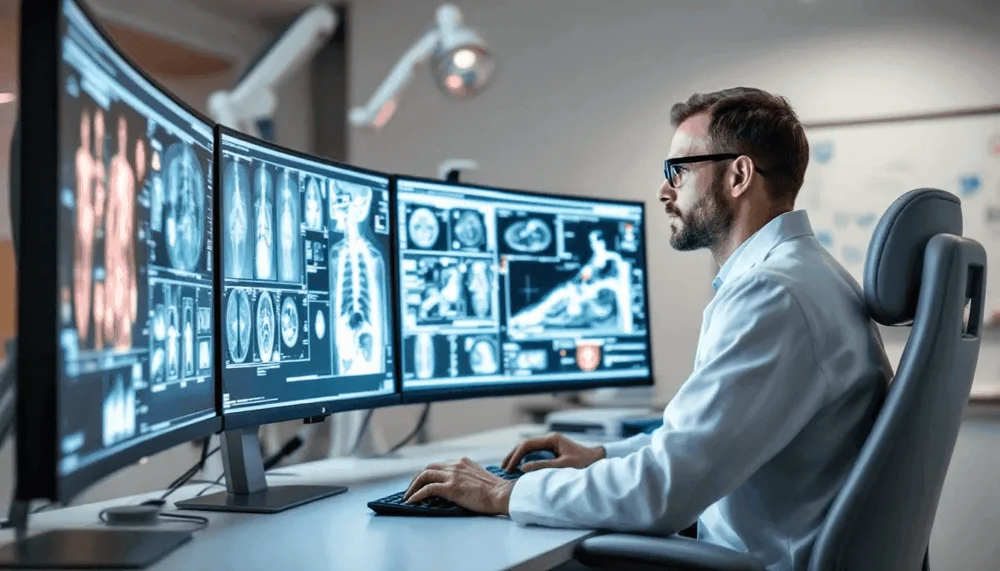
PACS integration is the technical foundation of every teleradiology relationship. If studies don't route correctly, if reports don't land in your RIS, or if DICOM transfer is slow, the clinical and operational value of teleradiology evaporates. This guide covers what PACS-teleradiology integration actually involves, what to expect during onboarding, and how to prevent common problems.
How PACS-Teleradiology Integration Works
At its core, PACS-teleradiology integration involves two data flows: outbound (studies from your PACS to the teleradiology reading platform) and inbound (signed reports from the reading platform back to your RIS/PACS). Both use standard healthcare interoperability protocols — DICOM for imaging data and HL7 for reports and worklist management.
The Three Integration Components
- DICOM routing (outbound) Your PACS sends studies to the teleradiology platform via DICOM C-STORE or C-MOVE. This requires configuring your PACS with the teleradiology platform's DICOM Application Entity (AE) title, IP address, and port. Most PACS systems support this natively — configuration typically takes 1–2 hours.
- Worklist (MWL) integration Modality Worklist (MWL) ensures patient demographic data and procedure codes are properly attached to studies. Proper MWL setup prevents data entry errors and ensures correct billing and report filing. MWL integration is typically HL7 ADT/ORM message-based.
- Report delivery (inbound) Signed reports are returned from the teleradiology platform to your RIS via HL7 ORU messages. This triggers report availability notification in your system and auto-files the report against the correct accession number. Most RIS systems have HL7 interfaces already configured — your teleradiology provider simply needs the connection details.
Common PACS Integration Problems (and How to Avoid Them)
| Problem | Cause | Prevention |
|---|---|---|
| Studies not arriving at reading platform | DICOM AE misconfiguration or firewall blocking | Test with a DICOM echo before go-live; verify firewall rules |
| Reports not landing in RIS | HL7 interface not configured or wrong accession format | Test report delivery with a sample study before go-live |
| Slow study transfer | Uncompressed DICOM on slow network | Enable DICOM compression on your PACS; verify bandwidth |
| Patient data mismatch | MWL not properly integrated | Configure and test MWL before go-live; verify demographics |
| Duplicate studies in queue | DICOM routing sending to multiple destinations | Audit DICOM routing rules; confirm only intended destinations |
What to Expect During Natoe AI Onboarding
Natoe AI manages the full PACS/RIS integration process for new imaging center partners. Our integration team collects your PACS configuration details, VPN or whitelist requirements, and RIS HL7 interface specifications. The integration timeline is agreed after reviewing the facility’s systems and requirements. We perform end-to-end testing with real studies (using anonymized test data) before any live reads are performed. The onboarding scope and commercial terms are confirmed in the facility’s agreement.